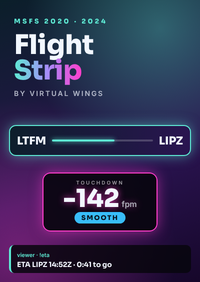
Overhead panel
Hakermann Airbus Overhead Panel
Lights, electrics, fuel, ADIRS and APU: everything for a cold & dark setup is here.
Partner ↗
Realistic, procedure-driven flights with the Fenix A319, A320 and A321 in Microsoft Flight Simulator, live streams and step-by-step training.
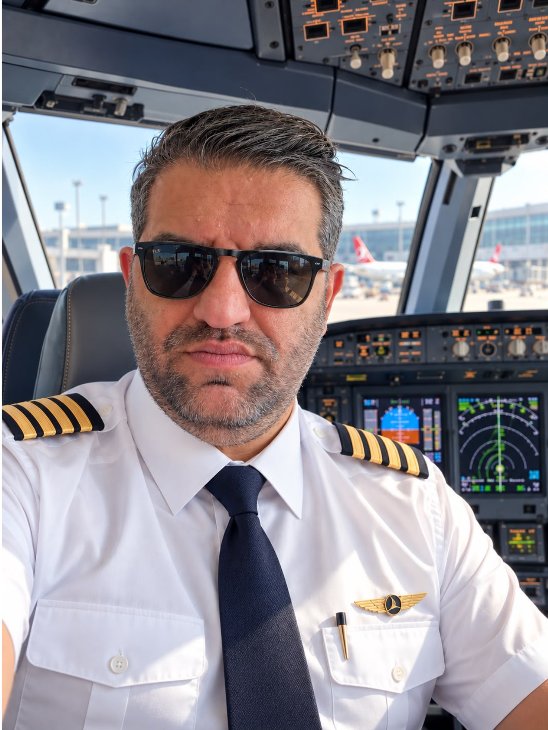
Hi, I'm Cenk. I was born in Ankara in 1979 and spent about 16 years working in a variety of roles at an airline. My love of aviation brought me to Microsoft Flight Simulator, and I haven't left the cockpit since. From short regional hops to long-haul sectors, I try to fly every flight by real-world procedures.
On this site you'll find my streams, the gear I use, and the training I've put together for people new to virtual flying. Let's fly together.



The partners we fly with. Click an image to visit their website.
Ankara-based home cockpit manufacturer. Realistic panels and hardware for the Airbus A320 and Boeing 737.
VW10

A Turkish virtual airline community that brings virtual pilots together.
Explore THYVA ↗
The home of WinWing simulation hardware in Türkiye. The FCU, MCDU, ECAM, throttle, landing gear panel and sidestick in my cockpit all came through this partnership.
Explore WinWing Türkiye ↗The world's largest free MSFS add-on platform. As an approved creator, I share my liveries and tools here for free.
My Flightsim.to profile ↗A long-established online store in the flight simulation world. As an official vendor, my products are available on SimMarket.
My SimMarket store ↗
The channel of Efe Daghan, one of our CrossCheck test pilots. He films flights in MSFS and Prepar3D, shares the free add-ons he builds on Flightsim.to and streams his flights live on YouTube.
Explore his add-ons ↗A319/320/321
Fenix Simulations
On my streams I fly the Fenix Simulations A320 family: the A319, A320 and A321. Because their systems are simulated so close to the real aircraft, I fly every flight from start to finish: starting cold & dark, programming the MCDU and working through real checklists.
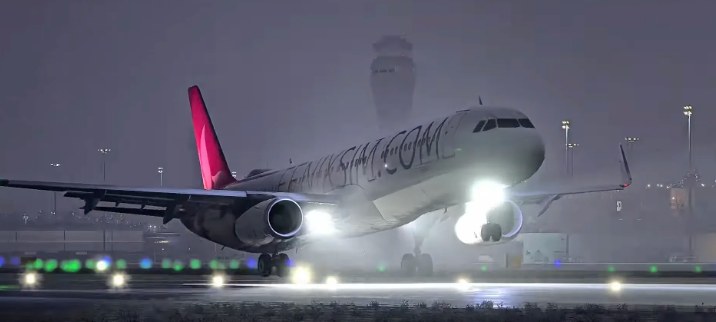
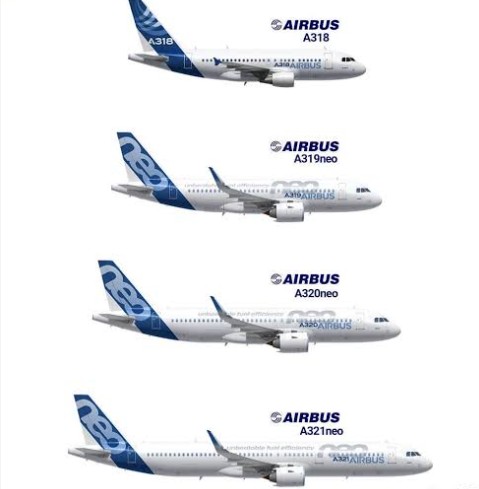
The Airbus A320 family, shortest to longest: A318, A319, A320 and A321 (the picture shows the new-generation neo versions). With Fenix I fly the A319, A320 and A321.
If I'm live, you can watch right here; if not, my latest video plays here instead.
Subscribe to the channel and you'll be notified when a stream starts.
This week's flight
📅 Add to my calendar🔔 To hear about live streams, subscribe to the channel on YouTube and turn on notifications.
Subscribe and turn on notificationsThe hardware that makes up my Airbus home cockpit. Click a photo to enlarge it.
Lights, electrics, fuel, ADIRS and APU: everything for a cold & dark setup is here.
Partner ↗The panel I use to talk to the autopilot: speed, heading, altitude and vertical speed, with EFIS panels on either side.
WinWing Türkiye partner ↗ECAM system pages, the T.O CONFIG test and EMER CANC.
WinWing Türkiye partner ↗Airbus-style side stick; every hand-flown takeoff and landing is done with this.
WinWing Türkiye partner ↗TOGA, FLX/MCT, CL and IDLE detents, speed brake lever and parking brake.
WinWing Türkiye partner ↗Gear lever, autobrake (LO, MED, MAX), brake fans and chronometer.
WinWing Türkiye partner ↗Rudder and brakes: steering during taxi, the takeoff roll and landing.
IVAO and VATSIM radio calls and stream audio.
The camera that shows me in the cockpit during live streams.





Six lessons to follow in order, from zero to your first complete flight in the Fenix A320 family.
Hello pilot! Let's plot your route together. Start with Lesson 1 and we'll fly together all the way from Istanbul to Antalya.
Start the first lesson →Getting your graphics, controls and assistance settings right.
BeginnerGo to lesson →Reading the PFD, ND, ECAM and FCU.
BeginnerGo to lesson →Route, fuel and weight calculations with SimBrief.
IntermediateGo to lesson →Preparing the Fenix from scratch and programming the MCDU.
IntermediateGo to lesson →Precision approaches on autopilot and by hand.
AdvancedGo to lesson →Radio calls with real controllers.
AdvancedGo to lesson →Liveries and tools I've made for the community and share for free on Flightsim.to.
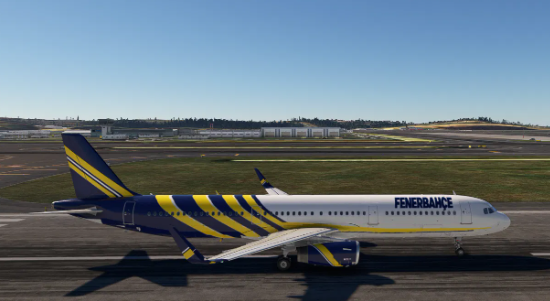
A fictional Fenerbahçe special livery for the Fenix A321 IAE with sharklets: navy and yellow diagonal stripes and a yellow cheatline, in 8K.
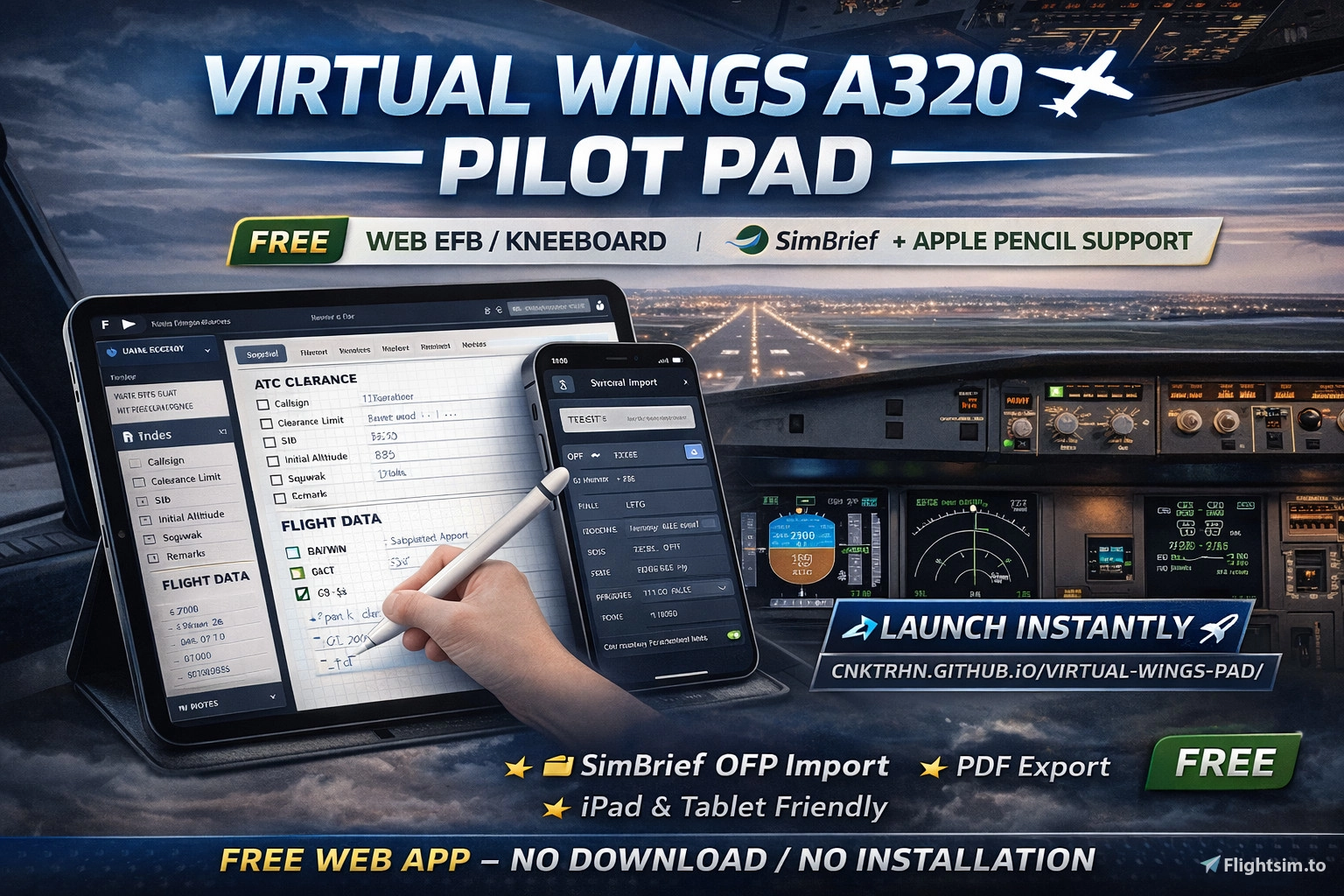
Download on Flightsim.to ↗A free, web-based digital kneeboard and EFB I built to keep at my side during flights. Runs on a tablet, with Apple Pencil support.
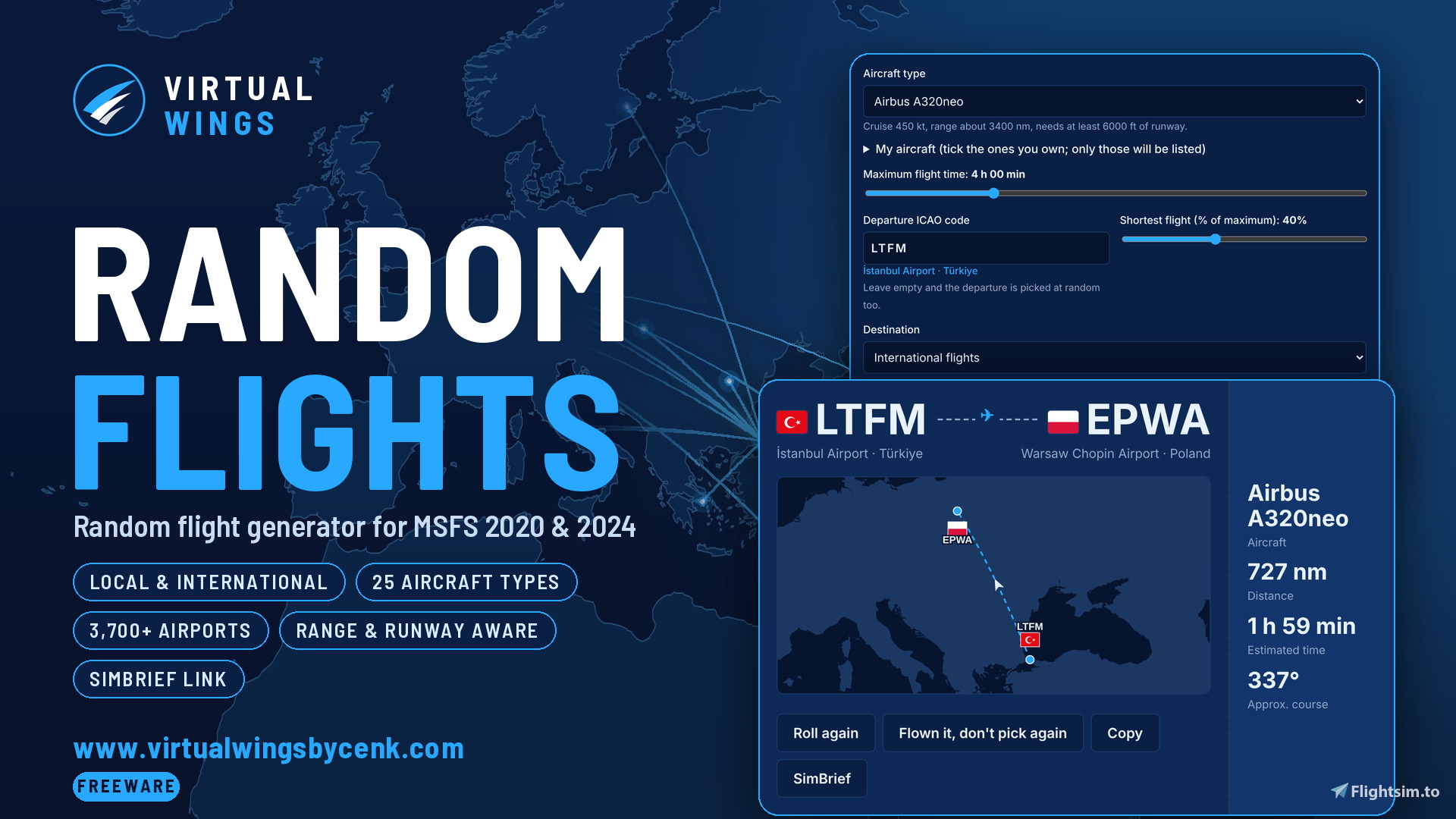
Download on Flightsim.to ↗A flight generator for MSFS 2020 and 2024 that runs in your browser with nothing to install. Pick your aircraft, your maximum flight time and your departure airport, and it suggests flights that fit.
Download on Flightsim.to ↗Desktop programs I build for MSFS 2020 and 2024.
A companion that logs your flights and rewards them with ranks, XP and badges.
€19.90
Explore CROSS-CHECKThe stream overlay your viewers can talk to
€7.90 · CROSS-CHECK owners: free
Learn moreNew · Desktop app
A companion app I built for MSFS 2020 and 2024. It logs your flights and rewards them with ranks, XP and badges.
Support, news, changelogs and screenshots from other captains. CROSS-CHECK support, ideas and launch announcements happen here first.
Join our Discord →The latest flight recordings, tutorials and stream replays from my channel. When I upload a new video, it shows up here automatically.
Shots of the liveries we designed for the Fenix A321. Click an image to enlarge it.
Subscribe
Be the first to hear about new streams, lessons, partner offers and discount codes. Leave your email and we'll keep you posted.
Free gift for subscribers: an A320 normal checklist (PDF) with Turkish notes. Every item from before start to parking, on two pages you can print and keep next to your cockpit.
Get in touch for collaborations, questions, or to fly together.
 CROSS-CHECKMSFS 2020 · 2024